HSSE APPS // TRAINING SIMULATOR
LOTO Simulator
First-person lockout tagout training on realistic oil, gas and manufacturing sites.
OVERVIEW
What This Application Does
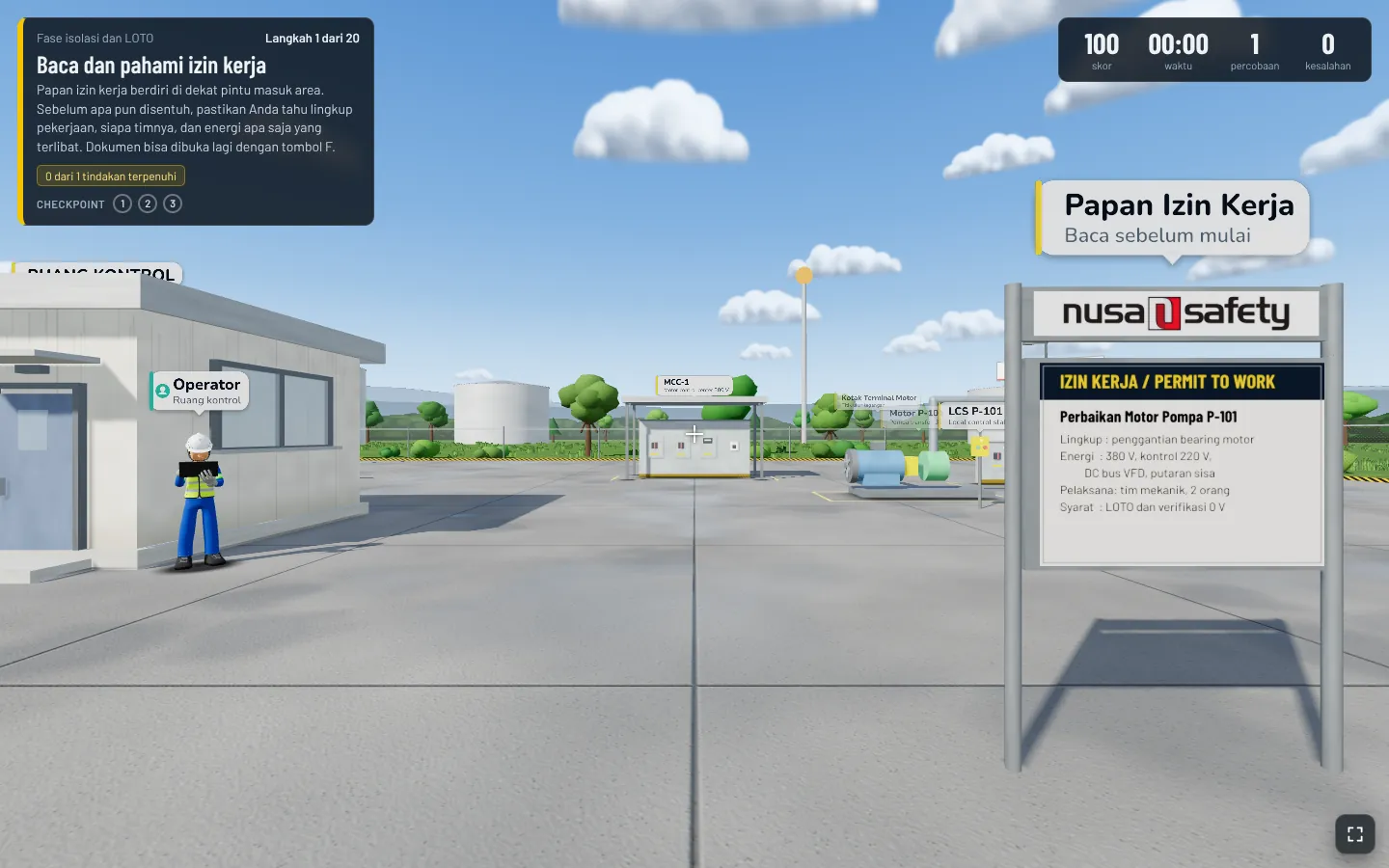
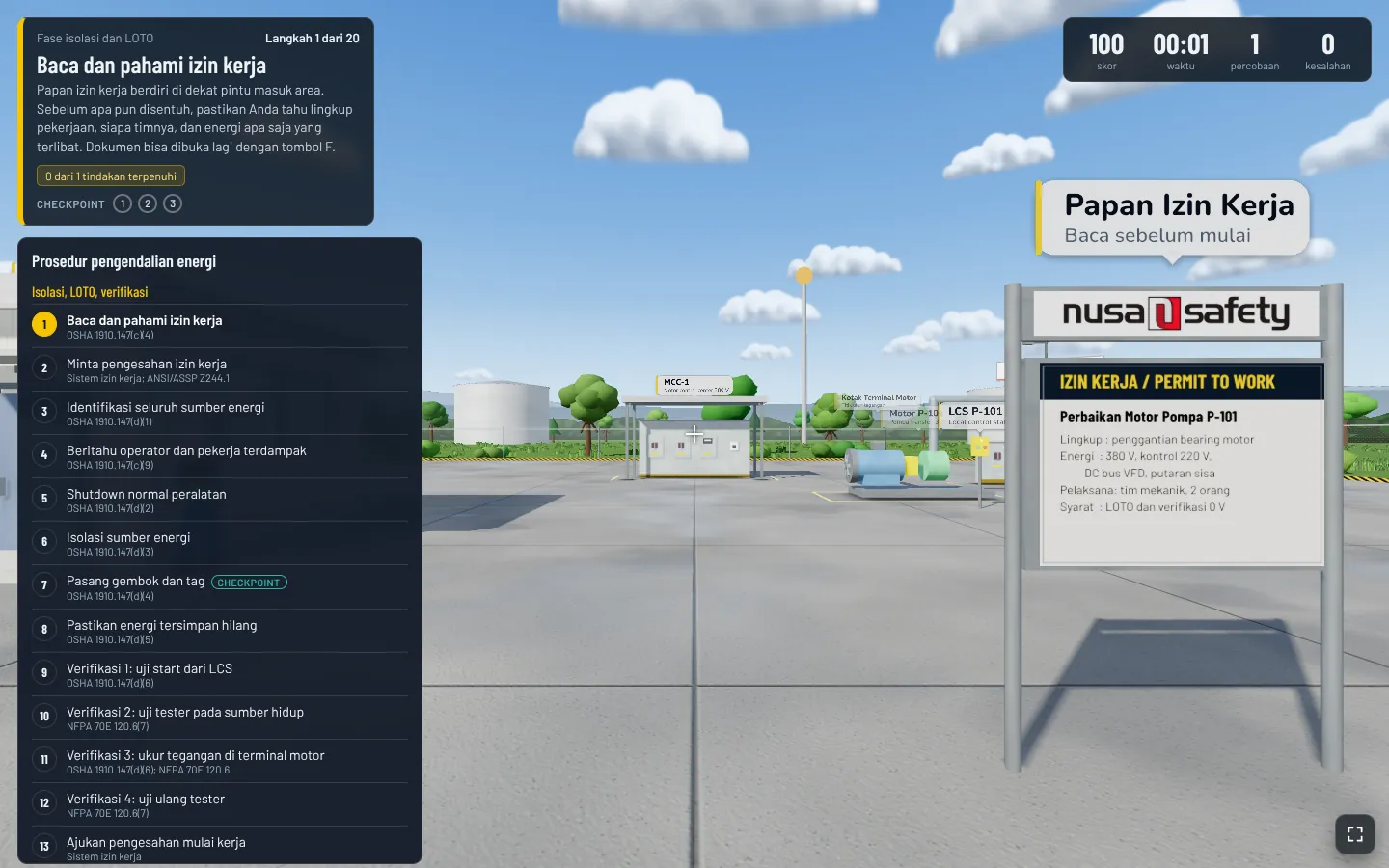
LOTO Simulator places trainees inside a 3D work site where they must control hazardous energy the way a real job demands: read the permit to work, identify every energy source, notify operators, shut down, isolate, apply locks and tags, release stored energy, verify zero energy and hand over to the work team. Energy is then restored in a sequence that is also assessed.
Nine missions cover electrical, process, confined space and hot work tasks in oil and gas, petrochemical, pulp and paper and garment facilities. The mission flow follows OSHA 29 CFR 1910.147 and ANSI/ASSP Z244.1 with Indonesian regulatory context, and every attempt is scored with checkpoints, penalties and field decisions that test the trainee's judgement.
- Platform
- Web browser on desktop with mouse and keyboard, VR mode on Chrome for Android
- Technology
- three.js (WebGL), single-file web application
- Missions
- 9 (6 oil and gas, 1 petrochemical, 2 manufacturing)
- Standards referenced
- OSHA 29 CFR 1910.147, ANSI/ASSP Z244.1, NFPA 70E, Permenaker No. 12/2015
- Interface language
- Indonesian
- Participant data
- Stored only in the browser on the device
- Intended use
- Training aid, not a replacement for site LOTO procedures and permit systems
FUNCTIONS
Built Around Real Workflows
Each function below replaces a step that used to run on paper, spreadsheets, or chat groups.
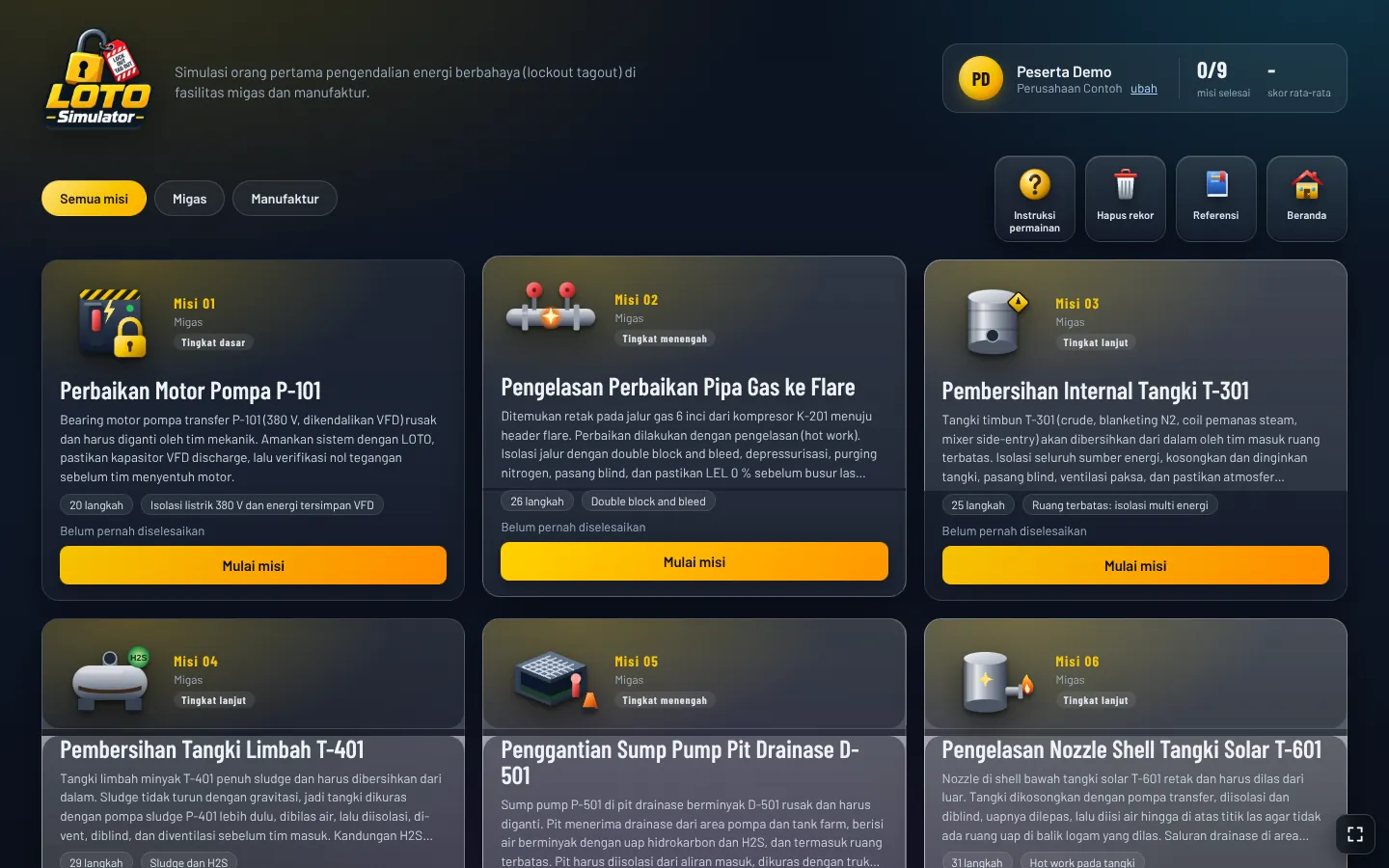
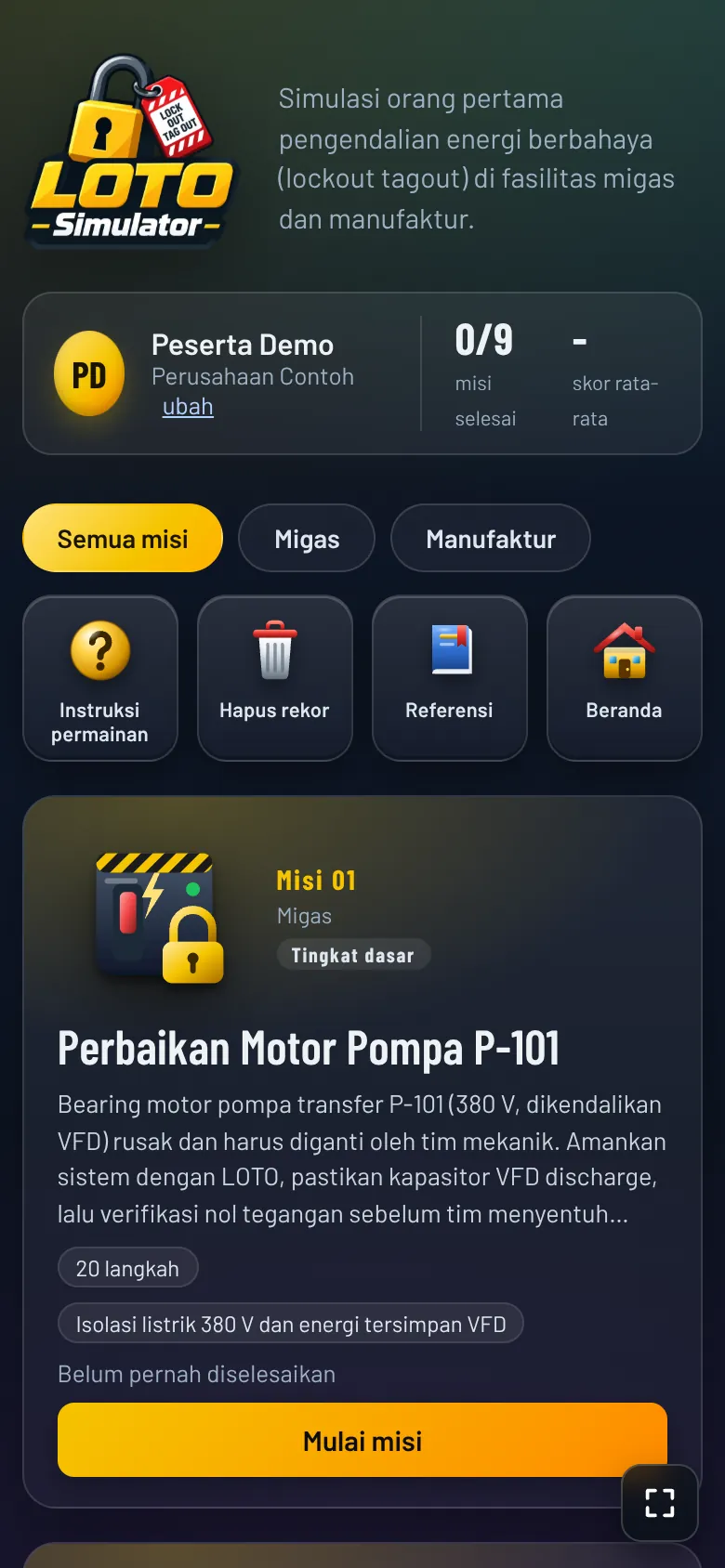
Nine missions
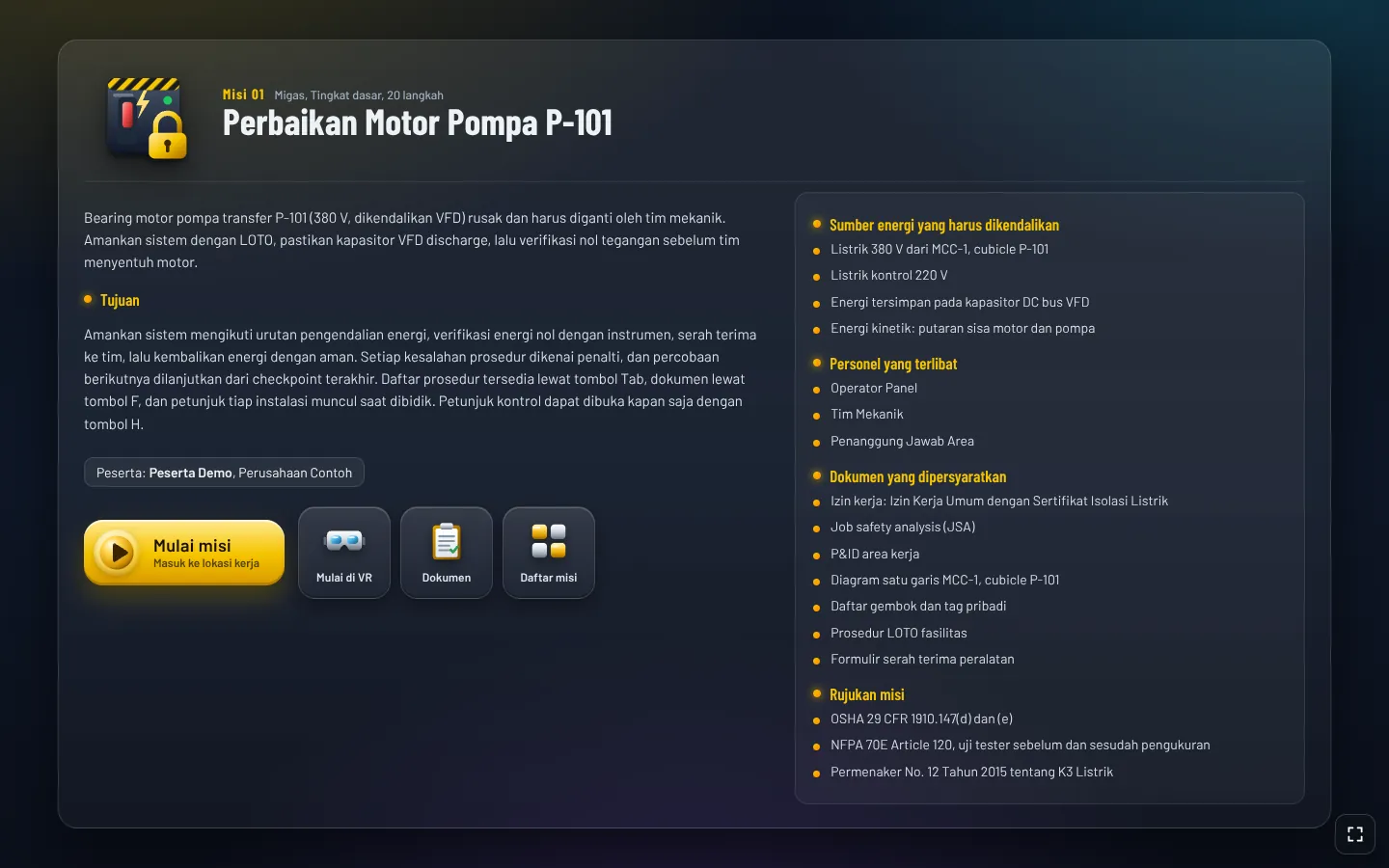
Pump motor repair with VFD stored energy, gas line welding, tank and sump cleaning, tank nozzle welding, reactor agitator overhaul, press roll bearing change and busbar tapping.
Complete energy control sequence
Permit, identification, notification, shutdown, isolation, lock and tag, stored energy release, zero energy verification, handover and energy restoration.
Job documents on site
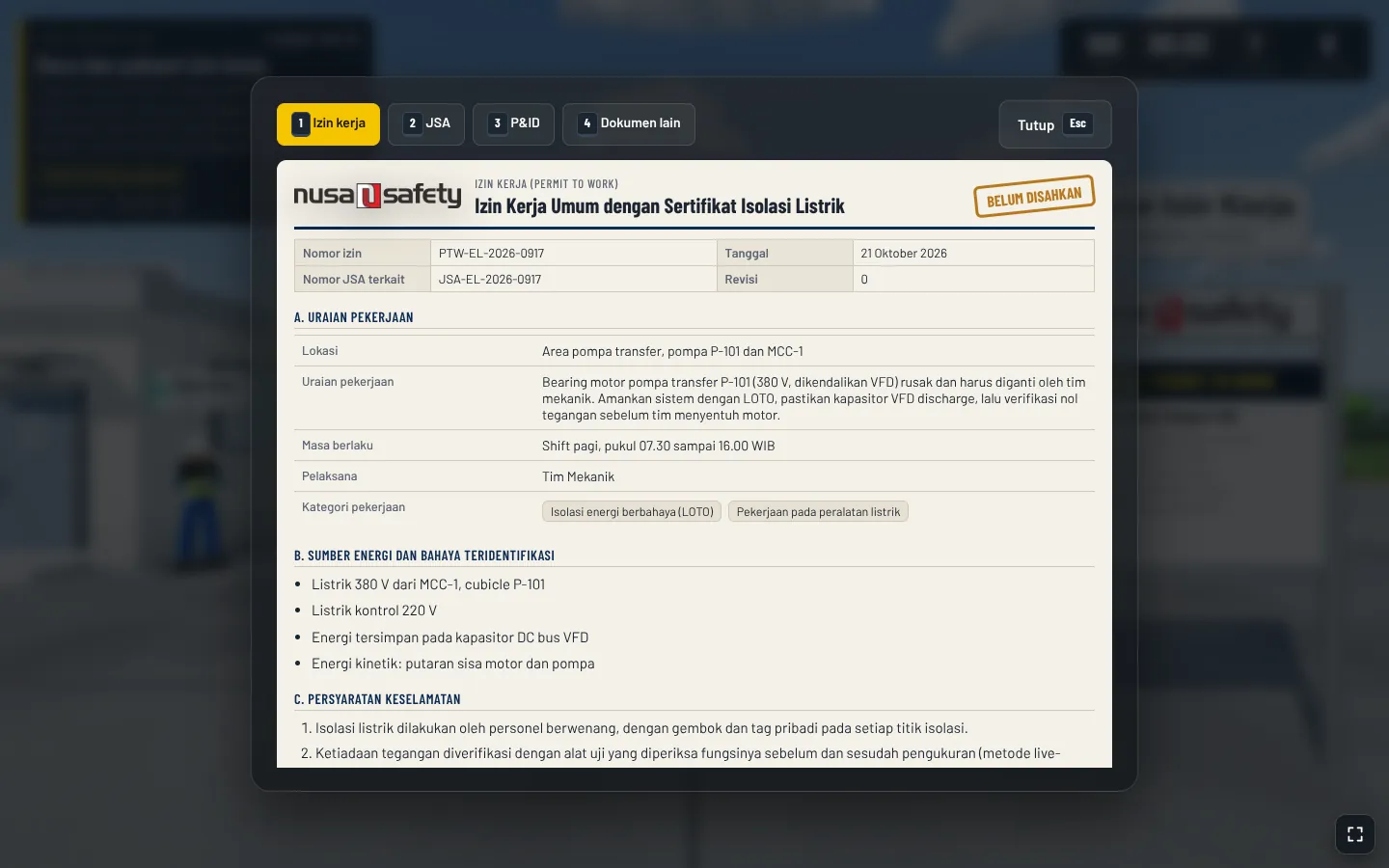
Permit to work, JSA, P&ID and other job documents can be opened at any point during the mission.
Installation hints
Aiming at an installation explains its function, its role as an energy source and what is observed, without revealing the action to take.
Live process behaviour
Pressure, level and capacitor discharge respond to the order of actions, so instruments show residual energy when the sequence is wrong.
Scoring and checkpoints
Every mission starts at 100 points, deducts 5 to 30 points per procedural error and has three checkpoints for the next attempt.
Choosing the right LOTO device
The first lockout of a valve or breaker asks the trainee to pick the correct device from four options.
Field decision tests
Site personnel make a request that tests the trainee's stance, such as skipping a gas test, and the answer is recorded in the evaluation.
Site roles and voiced dialogue
Operators, area authority, gas tester, confined space attendant, rescue team and fire watch, with recorded voice lines.
VR mode
Plays in a phone VR headset on Chrome for Android, using the gyroscope and gaze selection.
Evaluation and leaderboard
Each mission ends with an evaluation showing the participant name and company, and a leaderboard ranks best scores per mission.
INTERFACE
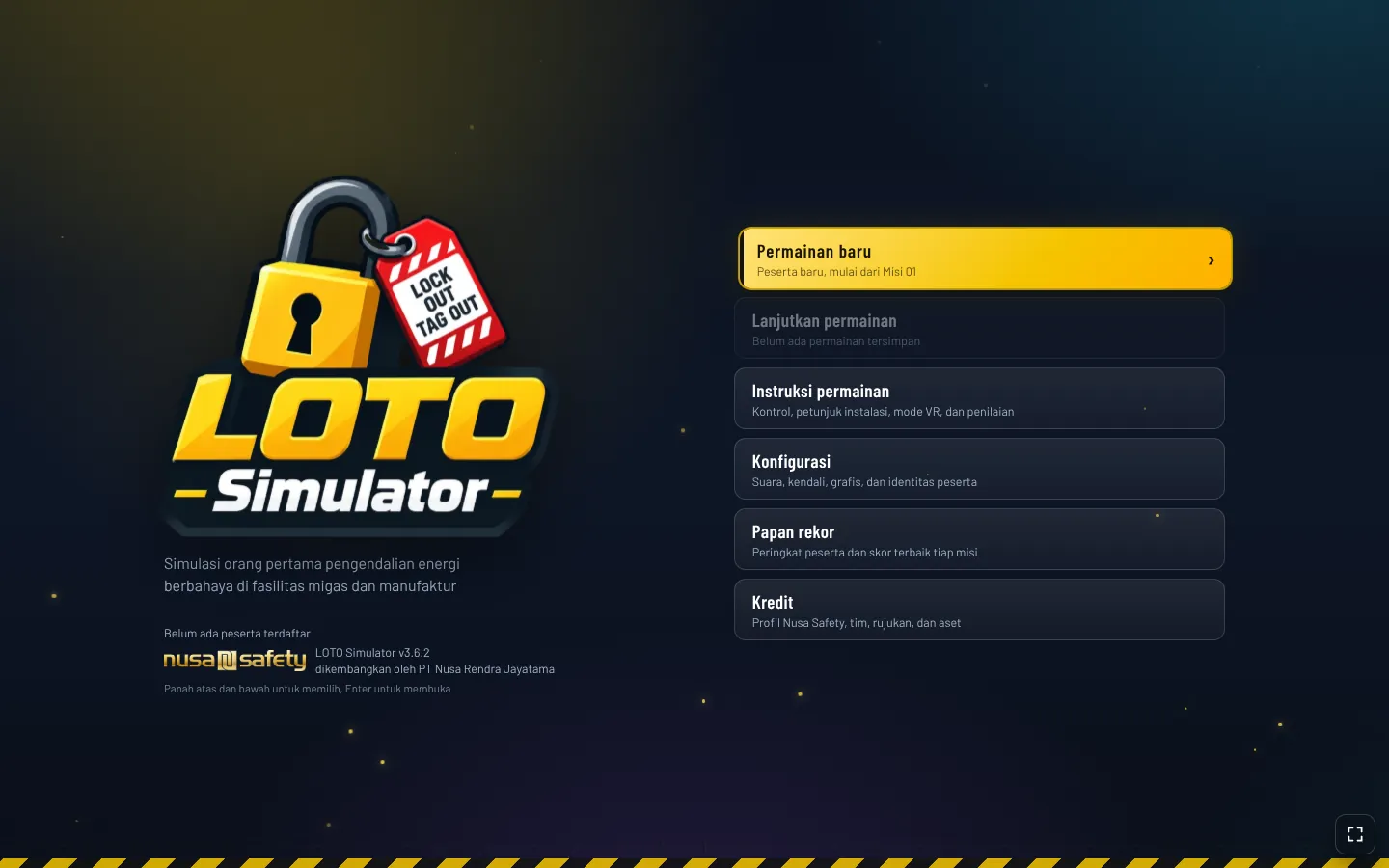
A Look Inside
MORE FROM NUSA SAFETY
Other HSSE Apps

APEX Risk
Enterprise Risk ManagementEnterprise risk intelligence, from field hazard studies to board decisions.
View product
AIRA
AI Risk AssessmentAI-assisted BowTie risk assessment, from guided interview to audit-ready report.
View product
PSM Simulator
Training SimulatorProcess safety simulation: understand the process, recognise abnormal conditions, design the barriers.
View product